Every light, one table
Infinite, Point, Spot, Area, Dome, IES, Portal and Physical Sun lights, one row each. Four tabs show as much or as little as you need.
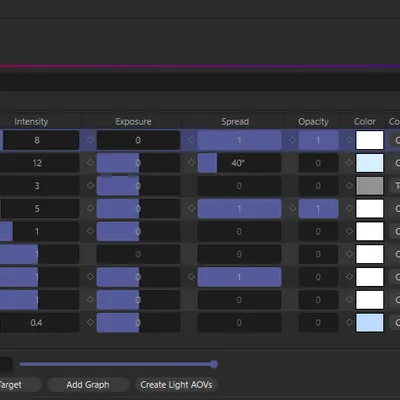
Every light, one table
Infinite, Point, Spot, Area, Dome, IES, Portal and Physical Sun lights, one row each. Four tabs show as much or as little as you need.
Edit many at once
Select several rows and change a value once. Drag, type or reset — every change is a single undo step.
Light materials included
Lights driven by an RS Light Material keep working in the same columns: the panel writes to the material’s graph for you.
Keys, takes and AOVs
Set keys and take overrides from the table, group lights by take, and build Light Group AOVs in one dialog.
RS Light Manager runs in Cinema 4D 2024 to 2027 with Redshift, on Windows and on Macs with Apple silicon.